

A guest arrives late, the room is dim, and the wall switch does nothing because it is tied to a smart bulb. They do not want to wake you, guess at an app, or accidentally trigger the whole-house routine. So they leave a bright light on all night—or avoid using the space as intended.
A smart home feels convenient when its owner knows the shortcuts. For everyone else, it can feel like a house with invisible rules. The fix is not to teach visitors every automation or give them access to every account. It is to make the few controls they genuinely need obvious, reliable, and safely separate from the systems that are yours alone.
This approach works especially well for overnight guests, pet sitters, visiting relatives, and anyone staying in a room you normally use as an office or multipurpose space.
Start with the moments a guest actually has to manage
Do not begin by listing all the smart devices in your home. Begin with the ordinary moments when a visitor would otherwise need to ask for help. Most guest control needs fit into four situations:
- Arriving: turning on a lamp, finding a bathroom light, connecting to the household Wi-Fi if you choose to share it.
- Getting comfortable: adjusting a bedroom lamp, fan, or thermostat within a reasonable range.
- Going to bed: switching off lights without hunting for a phone or a voice command.
- Leaving: locking up or knowing what should be left alone.
Walk from the guest’s likely sleeping spot to the bathroom and entry as if you had never been in the home. Notice where a conventional switch no longer produces the expected result, where a remote has no clear purpose, or where one command might affect several rooms. These are the friction points worth solving.
Keep the scope deliberately small. Guests generally do not need access to cameras, robot vacuums, doorbell history, shopping lists, speaker announcements, alarm settings, or detailed energy data. A useful setup gives independence without turning a short stay into a technology orientation.
A guest-ready smart home should feel less like operating someone else’s gadget collection and more like staying in a room where the lamp simply works.
Make one physical control the default in each guest area
Phone control is helpful as a backup, but it is a poor default for a visitor. Their battery may be low, they may not use the same phone ecosystem, and downloading or joining an app is too much to ask just to turn off a bedside light.
For each guest-used room, choose one physical, easy-to-recognize way to control the primary light. Depending on your setup, that might be:
- the original wall switch, configured so it still controls the smart light predictably;
- a wireless button placed by the door or bed;
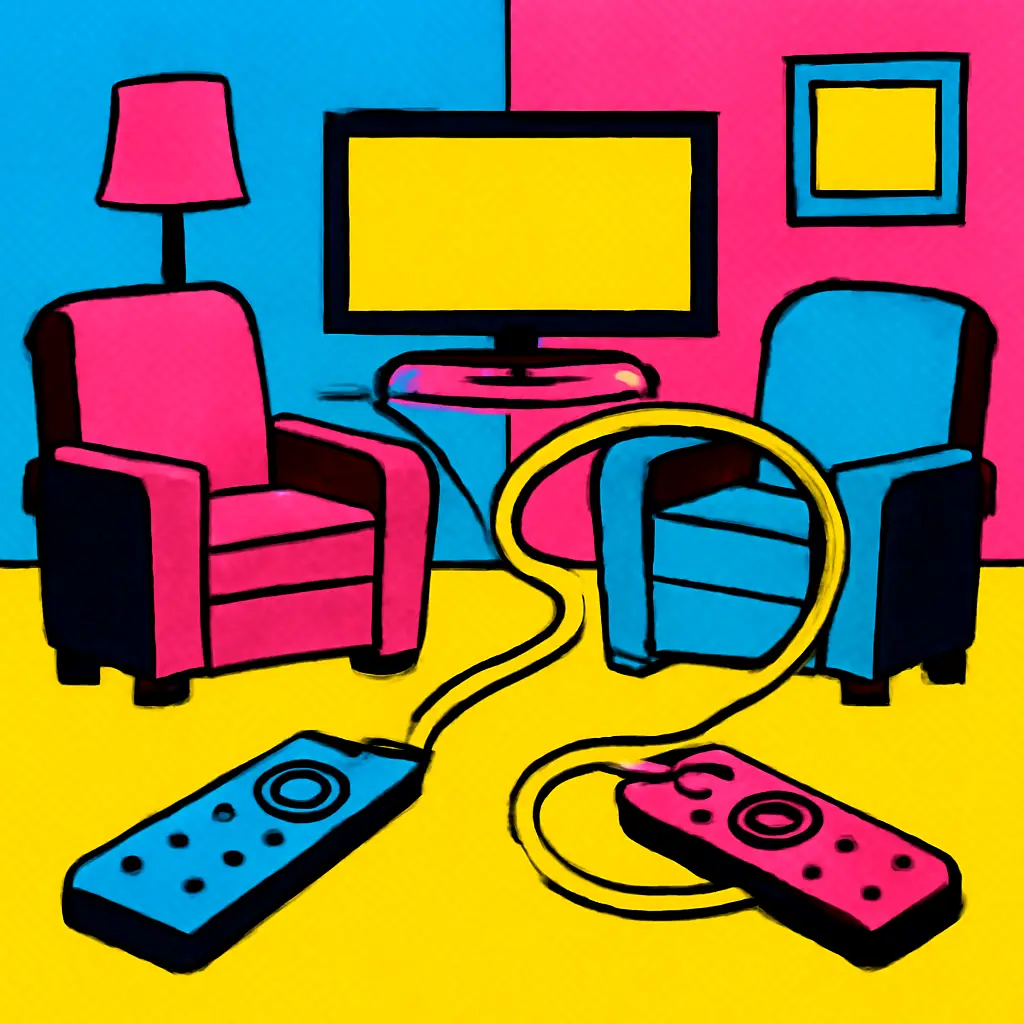
- a labeled remote that controls only the lights or fan in that room; or
- a plug-in lamp with its own reachable switch, rather than an app-only bulb.
The important distinction is between a control that is available and one that is trustworthy. A loose remote in a drawer is available. A button beside the bed that always turns off the bedside lamp is trustworthy.
Avoid the broken-switch problem
Smart bulbs can create an awkward trap: someone flips the familiar wall switch off, which cuts power to the bulb, and then the app or voice assistant cannot turn it back on. If a guest room has this issue, solve it before the visit.
Options include leaving the smart bulb continuously powered and using a physical smart-control button, returning that lamp to an ordinary bulb, or choosing a setup that lets the wall control behave consistently. The exact solution depends on your equipment, but the goal remains the same: a visitor should not have to understand electrical logic to get light.
Also check the controls after a power interruption or router restart if those events have changed device behavior in the past. A guest solution that only works on ideal days is not really a solution.
Give controls names that describe a place, not a system
Device names are often created while setting things up: “Lamp 2,” “North Group,” or “Bedroom Scene.” Those names may make sense in an app’s device list, but they do not help a visitor.
Use plain, location-based language in any visible instructions:
- “Bedside lamp” instead of “Hue bedside.”
- “Guest room fan” instead of “Fan plug.”
- “Hall light” instead of “Downstairs zone.”
- “Reading light” instead of “Scene A.”
This matters for voice controls, too. Commands should be short enough to remember and specific enough not to affect the whole home. “Turn off the guest room lamp” is clearer than “Good night,” which might activate a routine that locks doors, changes the thermostat, silences speakers, or turns off lights someone else is still using.
If you use a voice assistant, decide whether you want guests to use it at all. Some people find it convenient; others find it intrusive or unreliable. Do not make voice control the only option. A visible manual alternative is kinder to guests with different speech patterns, mobility needs, privacy preferences, or simply no interest in talking to a room.
Create a tiny control card, not a house manual
A printed card is often more welcoming than verbal instructions that a tired traveler must remember. Keep it to the choices a guest can make safely. Place it where they will encounter it naturally: on the nightstand, beside the room key or entry bowl, or near the thermostat.
A good card answers four questions:
- How do I turn on and off the main lights?
- How do I adjust comfort? Mention the fan, a blanket location, or the permitted thermostat control if applicable.
- What do I do if something does not work? Give a simple fallback, such as using the nearby lamp switch or sending you a message.
- What should I not change? Keep this brief and neutral: “Please leave the entry lock and security controls as they are.”
Write instructions as actions, not technical explanations. “Press the round button once for the room light” is better than “This button communicates through the home hub.” Technical detail creates uncertainty without making the button easier to use.
An illustrative card for a guest room
You might write: “Lights: Press the button beside the door for the room light. The bedside lamp switch is on its base. Comfort: The fan remote is on the nightstand. At night: Either light can be turned off at its own switch. Please leave: the entry lock and the panel by the front door alone. If anything seems odd, use the bedside lamp and let me know.”
That is enough for most stays. It avoids passwords, brand names, and a long list of rules while still giving a guest a way to function independently.
Separate comfort controls from security and household automation
The safest guest interface is intentionally incomplete. Lights, a fan, and a room-specific temperature adjustment are comfort controls. Exterior locks, cameras, alarms, garage access, and household-wide routines are security or management controls. Treat them differently.
Avoid sharing your primary smart-home account just to provide light control. An account may expose device names, notifications, addresses, camera feeds, payment-linked services, or the ability to make broad changes. If a platform offers separate household-member or guest permissions, read what those permissions allow before using them. If the permissions are unclear, use physical controls instead.
Likewise, avoid putting a bedside button too close to a control that opens an exterior door or disarms a system. Convenience should not make a costly or stressful mistake easy. For a pet sitter or a longer stay, a limited access method may be appropriate, but set it up around the particular tasks that person must do and remove access when it is no longer needed.
Privacy deserves the same clear boundary. If you have cameras or voice-enabled devices in shared spaces, explain their presence before the stay rather than relying on a small sign in a corner. Keep cameras out of bedrooms and bathrooms. A guest should never have to guess whether a private space is being recorded.
Use routines only when their result is obvious
Automation can make a guest room calmer, but only if it behaves in a way a visitor can predict. A simple evening routine that turns on one hallway light at a set time may be helpful. A routine that changes lights, music, shades, temperature, and locks at once can be confusing when someone is trying to read, sleep, or find the bathroom.
Before a visit, review automations that affect the guest’s path and room. Consider pausing or adjusting routines that:
- turn lights off automatically while someone may still be awake;
- start music, spoken announcements, or bright lighting unexpectedly;
- lower shades or change temperature dramatically at a fixed time;
- switch off outlets used for charging a phone or medical equipment; or
- respond to movement in a way that may startle a sleeping guest.
For chargers and other essential plug-in items, a standard always-powered outlet is often the simplest choice. If you use a smart plug for a lamp, make it unmistakably clear that the outlet is for the lamp, not for a guest’s devices.
Do a five-minute stay-through before someone arrives
There is no need to test every feature. Test the guest experience instead. Stand outside the room with no phone in hand and try the following:
- Enter and turn on a useful light.
- Turn on the bedside light and turn it off again from bed.
- Find and operate the fan or other comfort control.
- Walk to the bathroom with enough light to see safely.
- Plug in a phone charger at an outlet that will remain on.
- Read the card and see whether it answers the questions that came up.
If you hesitate during any step, simplify the setup. The goal is not to demonstrate what the home can do. It is to remove the moments where a visitor feels they must ask permission to meet a basic need.
Plan for low-tech failure gracefully
Wi-Fi outages, drained remote batteries, disconnected hubs, and a confused app happen. Put a modest fallback in place: an ordinary lamp, a flashlight in a known drawer, a spare battery if the remote uses a common replaceable type, or an accessible manual switch. The fallback should not require the guest to search through your belongings.
This is also why a simple bedside lamp remains valuable in a highly automated room. It is not a step backward. It is a reliable backup and a familiar signal that the room is meant to be used comfortably.
Make the first improvement tonight
Choose the place a visitor would be most likely to sleep. Identify one task that currently requires an app, a voice command, or your help. Give that task one obvious physical control, then write one sentence explaining it on a small card. That single change will do more for a guest’s comfort than a complicated smart-home tour.







Ad